




WATCH ONLINE

Watch Full Screen ›
B'nai Mitzvah Live Stream ›

SHABBAT SCHEDULE

FRIDAYS at 6:00 PM
SATURDAYS at 9:30 AM
 

CRS Outings Tag

/ 03.06.2025

REGISTER This event is for CRS members only. Learn more about membership at CRS here. In 1947, the House Un-American Activities Committee (HUAC) called on Hollywood figures to testify about alleged communist propaganda in American films. Blacklisted explores the intersection of politics, art, culture, and social dynamics during...

/ 07.05.2025

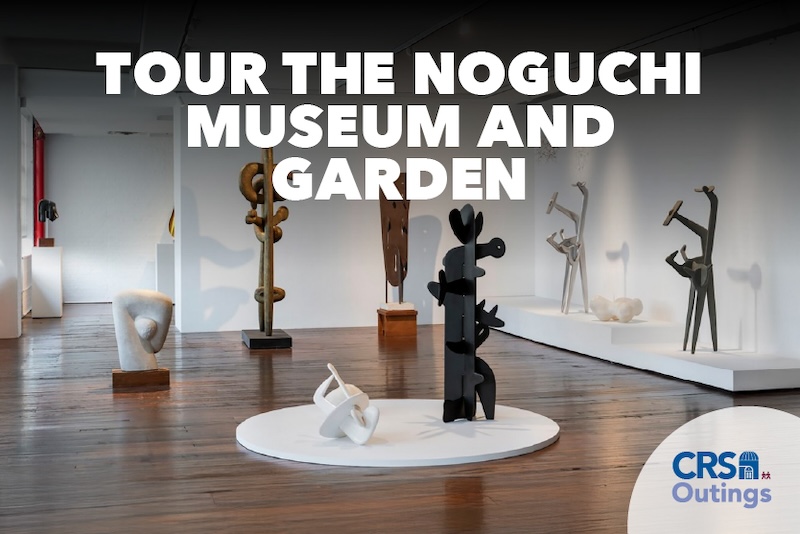
This event is sold out. To join the waitlist, please click here. We will be in touch as tickets become available. This event is for CRS members only. Learn more about membership at CRS here. The Isamu Noguchi Garden Museum, now known as The Noguchi Museum, was...

/ 18.04.2025

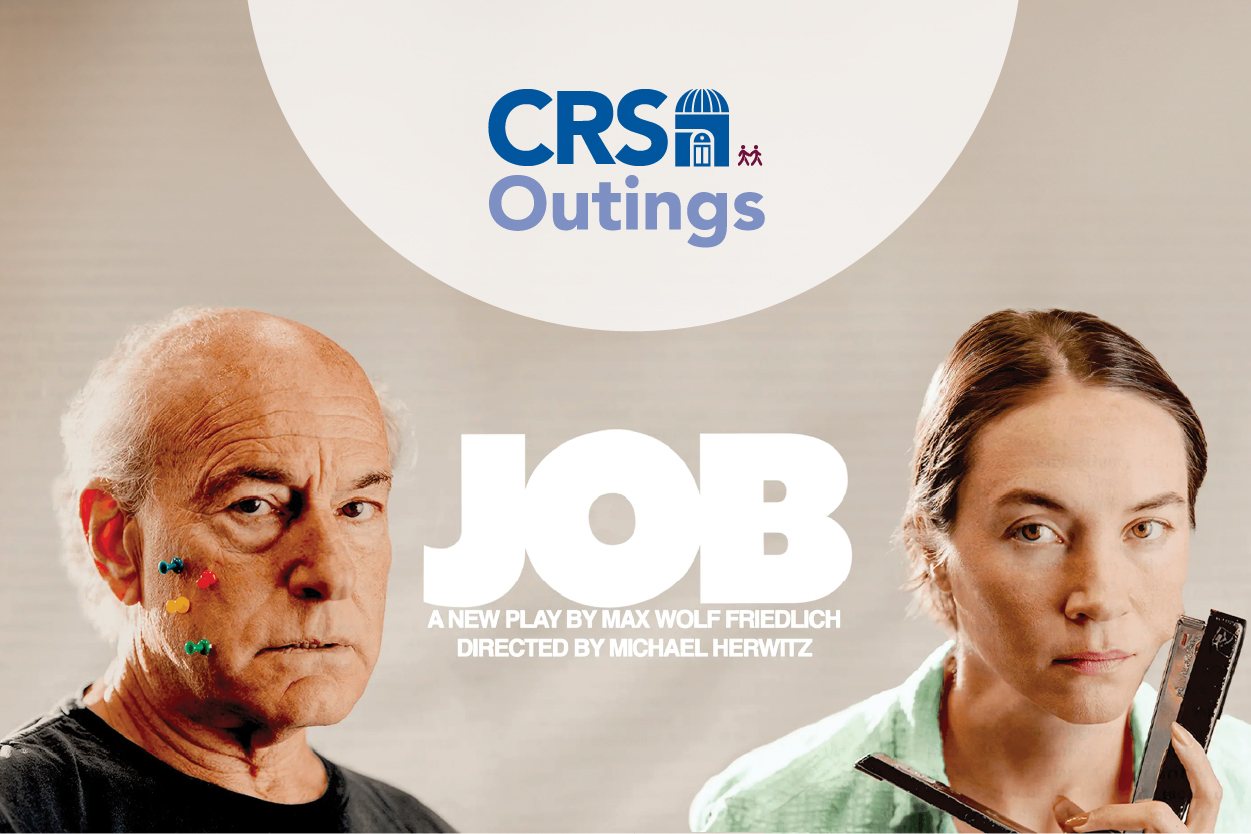
REGISTER Tickets to Job are sold out. Please email rabbikarol@crsnyc.org to be added to our waitlist. And please save the date: Job Director, Michael Herwitz, will join CRS on Zoom for a virtual talkback on Monday, September 23 at 7 PM. All are invited!   This event is for CRS members only. Learn more about...

/ 18.04.2025

REGISTER This event is for CRS members only. Learn more about membership at CRS here. In a career that spans nearly four decades at three design agencies, Dawn Baillie has worked on some of the most iconic and beloved posters in modern cinematic history. From Silence of the Lambs...

Annual Meeting 2025

2024 Meeting Minutes will be posted soon. Please check back again.

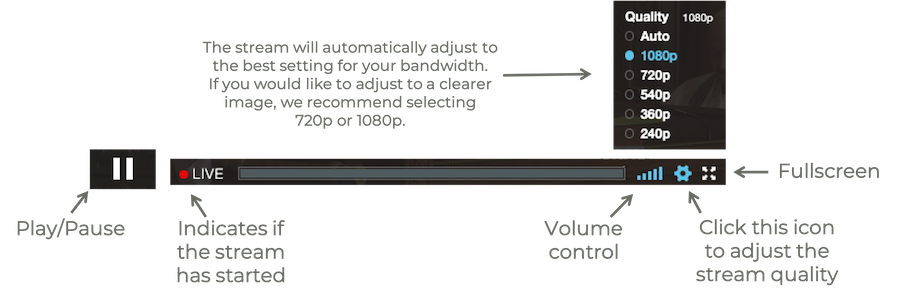
  1. Fast internet connections are ideal for viewing, such as cable, fiber, and FiOS. Live streaming will not work with dial-up, and if you have a slow internet speed, you may experience stuttering or screen freezing.
  2. If your screen freezes during viewing, please try reloading your browser. Also try clearing your history and shutting down other programs and web pages.
  3. Google Chrome and Firefox work well with our Live Stream, while Safari can be less dependable. If you are unable to view Live Stream at all, please try a different browser.
  4. If you cannot hear the Live Stream, make sure you click “Tap to Unmute” at the top of the player.
  5. Sound is largely a function of the quality of your audio equipment. External speakers will greatly enhance the sound.
  6. If you are having trouble dialing in to services (audio only):
    • Dial (929) 205-6099 on your phone.
    • It will then ask for the meeting or webinar ID—Enter meeting/webinar ID (947 9181 4318) followed by #.
    • It will then ask for participant ID, but you can skip that and wait for it to ask for the meeting passcode. When it does, enter the meeting passcode (676 263) followed by #.
    • Once you’ve entered that, you should be dialed in and able to hear services.