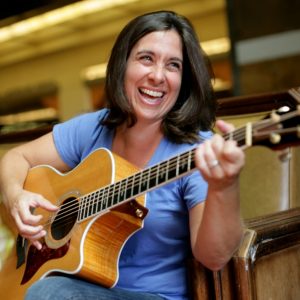
Julie Silver is one of the most celebrated and beloved performers in the world of contemporary Jewish music today. She tours throughout the world, and has been engaging audiences with her gorgeous compositions and liturgical settings, her lyrical guitar playing, her dynamic stage presence, and her megawatt smile for over 25 years.
Although she resides in Southern California, Julie’s roots are deep in New England. She was raised in Newtown, Massachusetts and by the time she was 18, she was leading raucous song sessions throughout the Reform Jewish movement and playing coffeehouses in and around Boston. Eventually, she would become one of the most sought-after song leaders in the country. She graduated from Clark University in Worcester, Massachusetts and was selected by her senior class to deliver the commencement address and sing an original song at Graduation in May, 1988. It was her first audience of thousands—the first of many.
After college, Silver landed a job as an on-air personality at WMJX, Magic 106.7 in Boston, the number one adult contemporary radio station in the city. She started as an overnight DJ, and quickly became the weekend host of “Bedtime Magic”, a show that consistently hovered at the top of the Boston radio market.It was a natural fit for Silver who has impeccable comic timing as well as a silky-smooth speaking voice.
However it was her singing voice, her overwhelming desire to play her own music that would eventually take center stage. Julie moved to Santa Monica in June of 1994 to continue writing and recording. By the time she released her first album, Julie was stepping confidently into the national spotlight—a place where she shines most brightly to this day.
Without backing from a major label, Julie has sold more than 120,000 copies of her CDs. Between 1992and 2020 she released some of the highest selling, successful albums of original Jewish music (Together, From Strength to Strength, Walk With Me, and beyond tomorrow). Her songs have become so tightly woven into the fabric of American Judaism that they have become “standards” in worship, camp, and academic settings.
In 2002 Julie released Notes from Montana, a collection of original folk/rock songs that featured a duet with the Academy Award winning actress Helen Hunt. Julie’s children’s CD, For Love to Grow, was released in spring 2005 and quickly honored as a Parents’ Choice Blue Ribbon Recommended work. The honor is especially sweet for Julie, who recorded this beautiful CD as a tribute to her childhood music teacher, the prolific Boston-based composer, Aline Shader. It’s Chanukah Time, was recorded in 2007, and was the first Jewish holiday CD produced exclusively for the Barnes and Noble bookstore chain. It was also the ONLY Jewish album to ever be recognized on any of the Billboard charts, peaking at #5 in 2009.
Julie released Reunionin 2009, a mix of new liturgical settings and narrative story-songs with smart, sophisticated lyrics in English (“Monica’s Chair,” “The Barefoot Sisters”). As a bonus, Julie includes a cover of Carole King’s classic “Been To Canaan.”
In 2014, Julie released Anniversary, a retrospective collection celebrating her 25 years of composing, recording and performing Contemporary Jewish Music throughout the world.
Silver is focused on painting (see link), zoom concerts, being a mother, mentoring up-and-coming singer-songwriters, participating in Social Justice projects and making the Jewish experience more meaningful. “I try to enhance the way people experience Judaism by adding my own take on our sacred texts” Silver says. “I also want people who have historically been marginalized to feel included in the Jewish community or in any community and to be encouraged to tell their stories and live their lives openly. Our tradition compels us to express ourselves…our joys, our hopes, our faith and our fears. The only path to healing is through sharing our stories with one another. As a songwriter, I write and sing my story and hope it resonates with people”
Julie whole-heartedly supports and is quite often the featured performer for many worldwide Jewish organizations including the Association for Reform Zionists of America (ARZA), The World Union of Progressive Judaism (WUPJ), The Union for Reform Judaism (URJ), National Council of Jewish Women(NCJW), Hadassah, The Women of Reform Judaism (WRJ), The Religious Action Council (RAC) and Women of the Wall in Israel. She also performs for American Jewish World Service and has performed and has served on faculty for The Wexner New Member Institute in Aspen, Colorado. In April of 2015, Julie helped lead a March of the Living trip through Poland and Israel.
In 2016 was given a lifetime achievement award by ARZA, in honor of her work in supporting pluralism, peace, and progressive actions in Israel.
During the summer of 2011, Julie sang the National Anthem before 38,000 fans at her beloved hometown Fenway Park in Boston, a dream come true for a life-long Red Sox fan. Also a published author, Julie’s essay, “From Exile to Redemption” is included in the anthology, “Dancing at the Shame Prom”(Seal Press, September 2012). Julie made her acting debut in the feature film, Then She Found Me, inascene opposite Bette Midler.
Silver lives in Southern California with her partner Mary Connelly, a highly acclaimed Executive Producerand their daughters, Sarah and Katie.

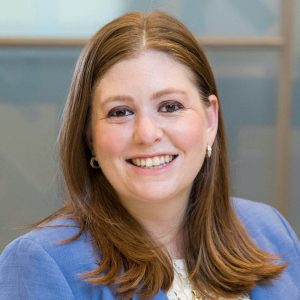
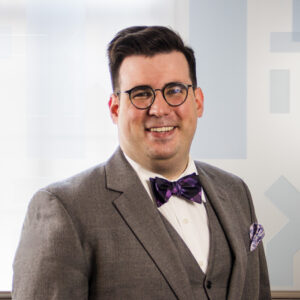 Justin Callis (he/him), our Cantorial Intern, is a fourth-year student at Hebrew Union College-Jewish Institute of Religion in the Debbie Friedman School of Sacred Music. He is the recipient of the Reuben Peretz Abelson Prize for dedication to Yiddish Song, the Temple Israel of Boston Cantorial Prize, and the Lee Gura Memorial Prize for Aptitude in Synagogue Choral Music.
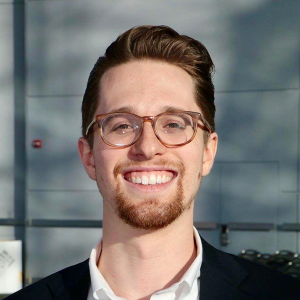
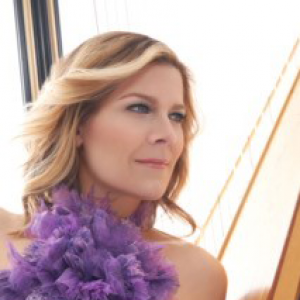
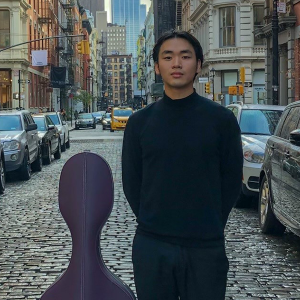
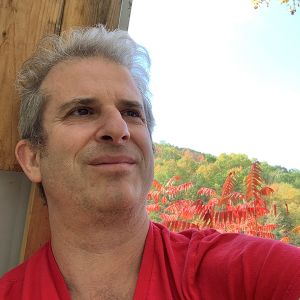
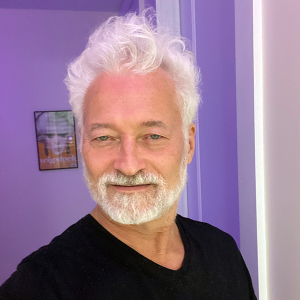
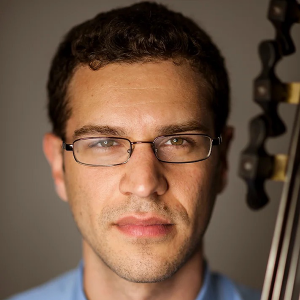

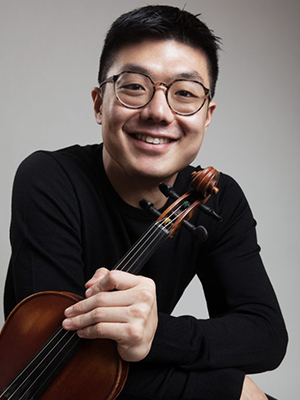 Known for his sweet and “sumptuous” (New York Times) tone, American-born Doori Na took up violin at the age of four and began his studies with Li Lin at the San Francisco Conservatory of Music. He quickly made his first performance with orchestra at age seven with the Peninsula Youth Symphony as the first prize winner of the concerto competition. Thereafter Mr. Na went on to win top prizes in The Sound of Music Festival, The Korea Times Youth Music Competition, the Chinese Music Teacher’s Association, The Menuhin Dowling Young Artist Competition, The Junior Bach Festival, VOCE of the Music Teacher’s Association of California, and The Pacific Musical Society. Receiving full scholarships to private high school Crossroads School of Arts and Sciences in Santa Monica, he moved to Los Angeles to study with renown violin teacher, Robert Lipsett, at The Colburn Music School. There he appeared as soloist with the Palisades Symphony, Brentwood Symphony, and Torrance Symphony. During that time, the summer of 2004 was Mr. Na’s first time at the Perlman Music Program where his expression and musical identity were greatly influenced. He has been a part of the program ever since and participated in many of their special residencies in Florida, Vermont, New York, and Israel.
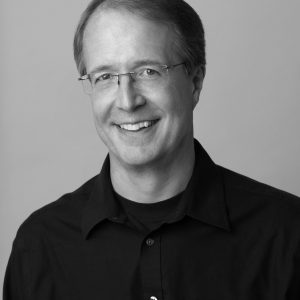 Violinist Michael Roth is a native of Scarsdale, NY and received his early musical training with Frances Magnes at the Hoff-Barthelson Music School. He attended Oberlin College and Conservatory, continuing his studies with Marilyn McDonald. At Oberlin, he won the Kaufman Prize for violin and First Prize in the Ohio String Teacher’s Association Competition. He completed his Master of Music degree at the University of Massachusetts where he worked with the distinguished American violinist and pedagogue Charles Treger and was a recipient of the Julian Olevsky Award. Mr. Roth is currently associate concertmaster of the New York City Ballet Orchestra and has appeared in chamber music and as a soloist with the company, most recently in the debut of “Slice Too Sharp”, a ballet of Biber and Vivaldi violin concerti, and “After the Rain”, violin music of Arvo Part. In addition he is a member of the Mostly Mozart Festival Orchestra, Principal 2nd violin of the Westchester Philharmonic, the American Composers Orchestra and the New York Pops. He was concertmaster of the Vermont Mozart Festival Orchestra for many years and often appeared as soloist there, as well as at the Caramoor and Bard Music Festivals. He has played and toured internationally with the Orpheus Chamber Orchestra and the New York Chamber Soloists.
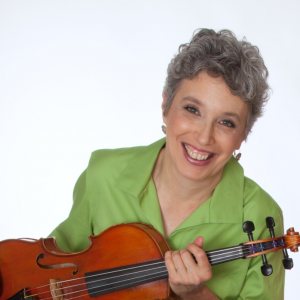 Sarah Adams, viola, performs locally with the New York Chamber Ensemble, the Claring Chamber Players, the Sherman Chamber Ensemble, the Friends of Mozart, and the Saratoga Chamber Players.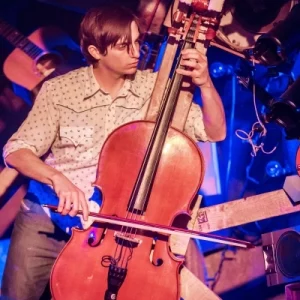
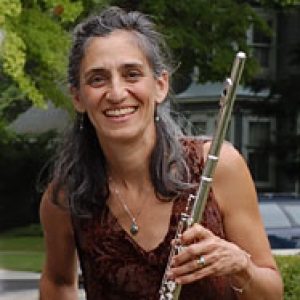 Praised by the New York Times as “irresistible in both music and performance.” flutist,
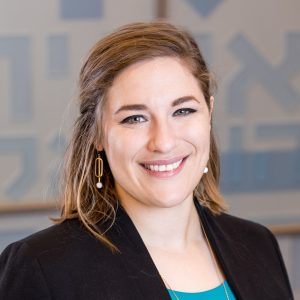 Rabbi Mira Weller (she/her) received her ordination at Hebrew Union College-Jewish Institute of Religion in Los Angeles in May 2022. She studied Culture and Politics at Georgetown University’s School of Foreign Service and received her Master’s in Jewish Education at the Rhea Hirsch School of Education at HUC-JIR. She is the proud recipient of awards for her studies in rabbinic literature, her work in Jewish education, and she was granted the Myrtle Lorch Pfaelzer-Monroe Pfaelzer Award for an Outstanding Female Rabbinical School Student (2022). Rabbi Mira speaks Hebrew and Spanish (so please practice with her!). She has a passion for uncovering new possibilities in the great wealth of our tradition and for making music inspired by Judaism’s many cultures. Her guilty pleasures include cupcakes, classical music, and philosophy.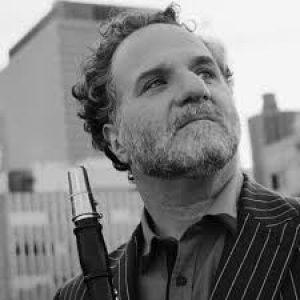
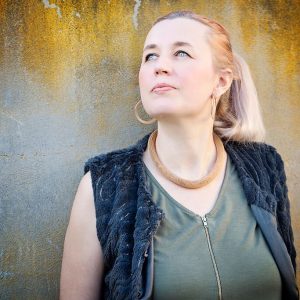 Based in New York since 2001, South African-born pianist, composer and producer has performed on four continents in leading venues such as Carnegie Hall, had her original music performed in venues such as New York’s Lincoln Center, appeared on a host of recordings of classical, world music and multi-genre recordings and produced numerous recordings and inter-disciplinary programs from Cape Town to Los Angeles. She has created her own unique language at the piano, made up of techniques she developed and experimented with to expand the piano into a full electro – acoustic orchestra.
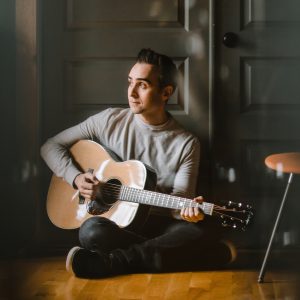 Alan Goodis is a touring Jewish musician playing over 150 events a year. Born and raised in Toronto, Alan is a proud product of URJ Goldman Union Camp Institute. Noted for his dedication to building relationships and community through music, Alan tours throughout the US to serve as an Artist-In-Residence and performer at Temples, Youth Conventions and Jewish summer camps.
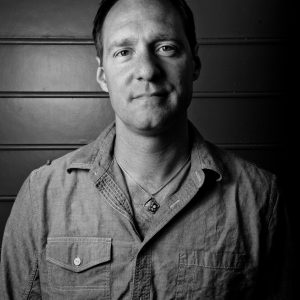 Dan is a product of the URJ Jewish camping movement. He has toured Jewish summer camps across North America for the last 15 years. A classically trained singer, Dan received his Bachelor of Music degree in vocal performance at the University of North Carolina. In 1995, realizing the potential of music to make powerful connections with Jewish youth, Dan established the Jewish rock band Eighteen. Since that time, Dan and Eighteen have released 13 albums. Songs like, L’takein, B’tzelem Elo-him, Kehillah Kedoshah, Chazak, Sweet As Honey, and Asher Yatzar have become Jewish communal anthems throughout North America.
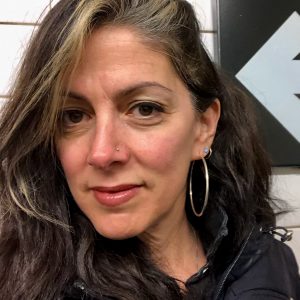 Naomi Less is an internationally celebrated singer/songwriter, ritualist and educator. Beloved for her warm smile and inviting presence, communities celebrate her imagination and innovation, tenderness and pizzazz! Her original music is sung in worship communities worldwide. Naomi serves as Co-Founder, Ritual Leader and Associate Director of Lab/Shul and is a leader in amplifying women’s voices through her work at Songleader Boot Camp and her Jewish Women Rock show on Jewish Rock Radio. Naomiadvocates for people struggling with fertility journeys as a performance artist and speaker for Uprooted: A Jewish Response to Fertility Challenges. Fun fact: Naomi and her husband wrote the song shine/Yivarech’cha, a Friday night blessing, specifically composed for URJ Crane Lake Camp, sung every Friday night in the dining hall.
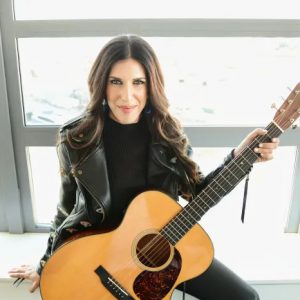 Her destiny became obvious to Joanie Leeds’ parents when, at the tender age of 2, Joanie grabbed the performer’s mic at a party and belted out the entire song“Tomorrow” from Annie. Jaws dropped! No one could remember ever hearing a big voice like that coming from one so tiny and certainly no one would have thought she would one day earn a GRAMMY® Award for her original music.
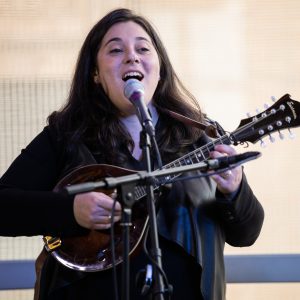 A composer, multi-instrumentalist, and prayer leader, Elana Arian is one of the leading voices in contemporary Jewish music. Elana’s music is part of Jewish life across the globe, and her compositions are sung in spiritual communities, summer camps, and synagogues from Louisville to London, from Chicago to the CzechRepublic, and everywhere in between. Elana just released her fourth album of original music, The Other Side of Fear, and her compositions have been published in countless Transcontinental Music collections. Elana serves proudly on the faculty of Hava Nashira (Oconomowoc, WI), the Wexner Heritage Foundation (Aspen, CO), Shirei Chagiga (London, England), and as an instructor at the Hebrew Union College in New York, where she teaches in the Debbie Friedman School of Sacred Music. Elana has performed at Carnegie Hall, Lincoln Center, Tanglewood, and perhaps most memorably, five separate appearances at the (Obama) White House. She lives in New York with her wife, Julia, and their two daughters, Maya and Acadia.
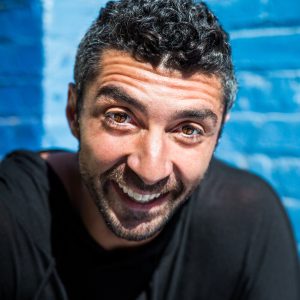 Known for his unique, engaging, and deeply soulful approach, Noah Aronson is considered one of the most sought after Jewish musicians in North America, making over 65 community appearances each year.
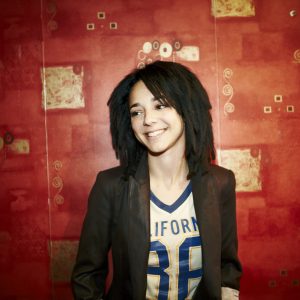 There is a reason why Time Magazine has listed Michelle in their Top Ten list of Jewish rock stars.
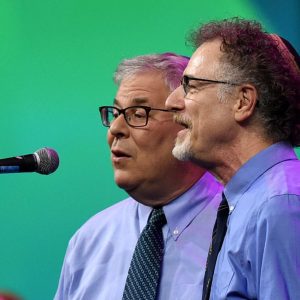 Kol B’Seder has been composing and performing contemporary Jewish music since the early1970s. Rabbi Dan Freelander and Cantor Jeff Klepper met as college students; over the past 50years they have released numerous CDs and songbooks. With Debbie Friedman (z”l) and others, they forged a new musical sound for American Jewish camps, schools and synagogues. Their songs, such as “Shalom Rav,” “Modeh Ani,” and “Lo Alecha,” have become traditionalJewish melodies around the world. They are delighted to be inaugurating their fiftieth anniversary celebration by appearing in support of URJ camps, where they first composed and incubated many of their early songs.

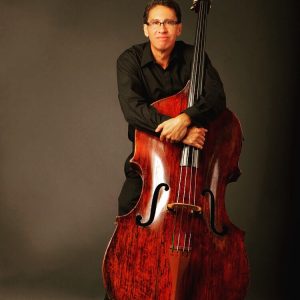 New York bassist Roger Wagner enjoys a long and diverse career. As soloist, chamber musician, and orchestral bassist, Mr. Wagner has appeared on many of the world’s great concert stages.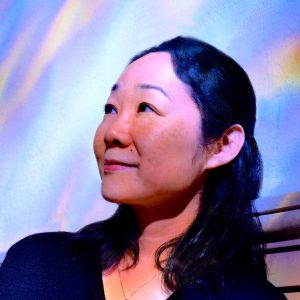
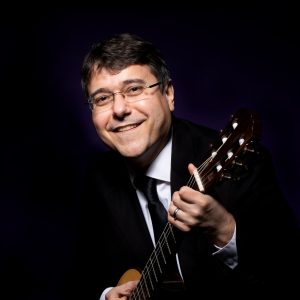
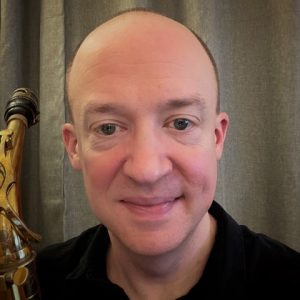
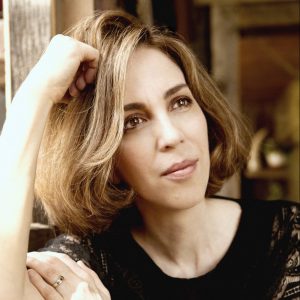 Margaret Kampmeier,
 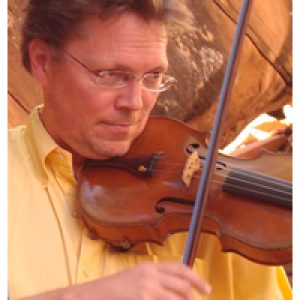 Leonard Bernstein described
 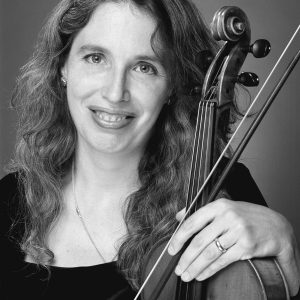 Sarah Adams
 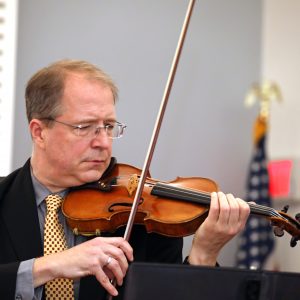 Michael Roth


 Our initiative for young children and their grown-ups provides a slate of offerings including Shabbat and holiday celebrations, music, classroom readiness programs, and new parent experiences. During the pandemic, we have leaned on $1m of seed funding for Sholom Sprouts established through this campaign as we offer age-appropriate virtual programs for our families with young children, who are the future of our community. We look forward to welcoming our littlest members and their grown-ups back to our new fifth floor, as well as hiring a Program Assistant to increase the capacity of Sholom Sprouts to grow. This program provides a crucial entry-point to the congregation and membership for young families.