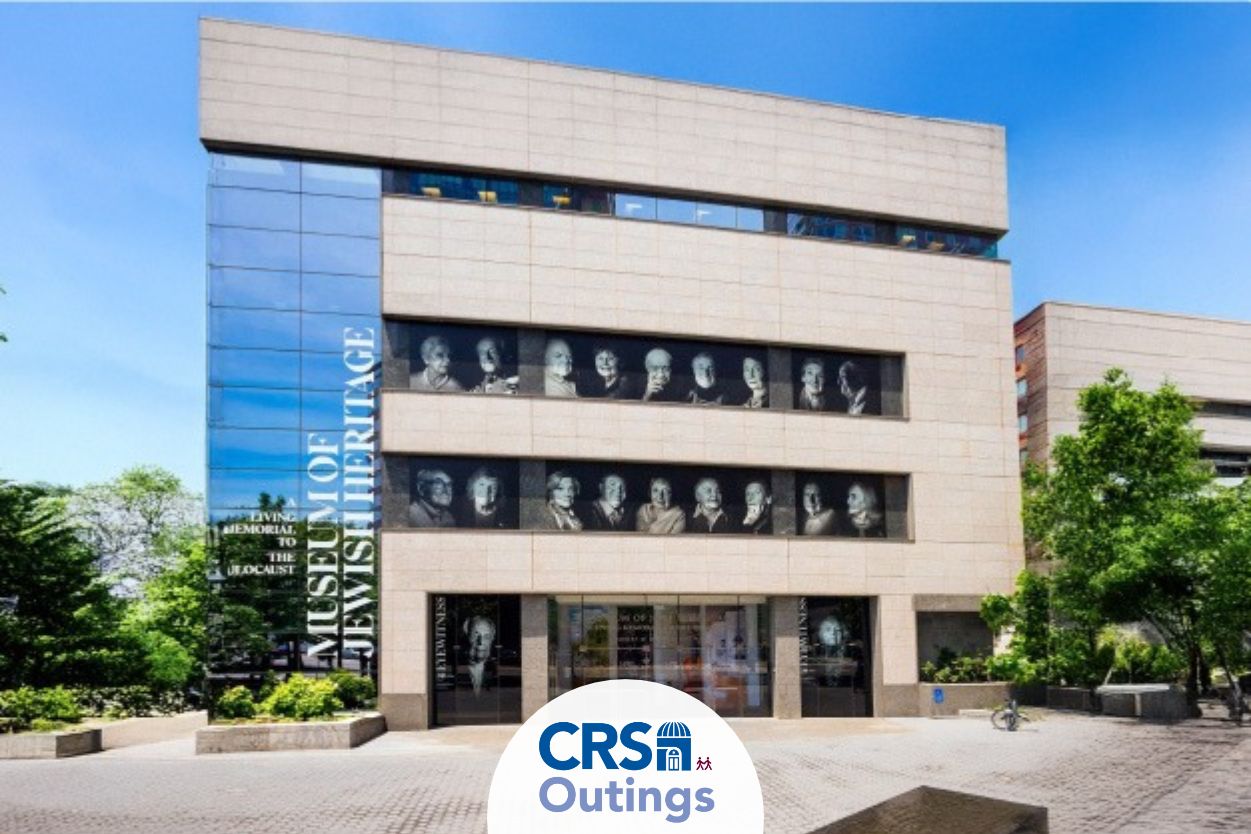




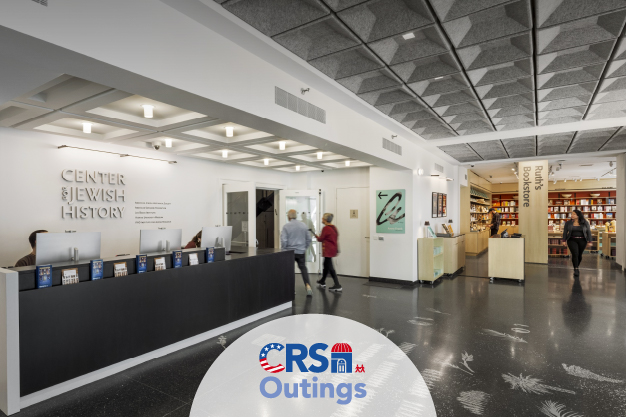
REGISTER This event is for CRS members only. Learn more about membership at CRS here. CRS Outings is headed back downtown to the Center for Jewish History for three new exhibits: "All We Have Standing Between Us: 250 Years of Jews and American Democracy" examines how...

This program has been postponed. For information on future events, please email crs@crsnyc.org. Calling all 20s & 30s CRS members who are pizza lovers! Join us on a Shabbat Pizza Tour for an afternoon of comparing pizza slices and connecting with fellow CRS members and...
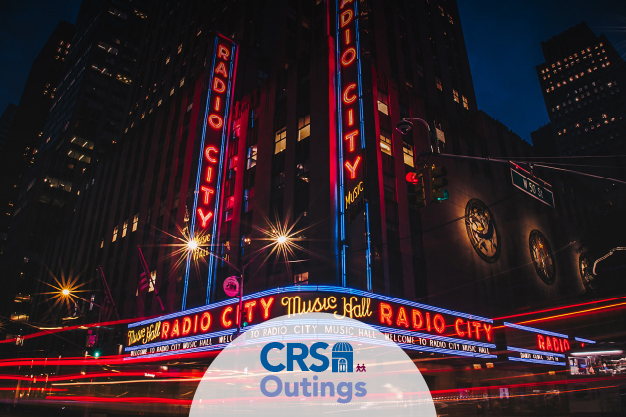
REGISTER This event is for CRS members only. Learn more about membership at CRS here. Go behind the scenes with CRS at the Showplace of the Nation! Immerse yourself in Radio City’s rich history and stunning art deco design. Discover the soaring three story Grand Foyer...
REGISTER This event is for CRS members only. Learn more about membership at CRS here. Join CRS Outings for a visit to Will These Words Reach You? The Underground Archive of the Warsaw Ghetto, an exhibition examining one of the most significant acts of Jewish resistance...
2024 Meeting Minutes will be posted soon. Please check back again.
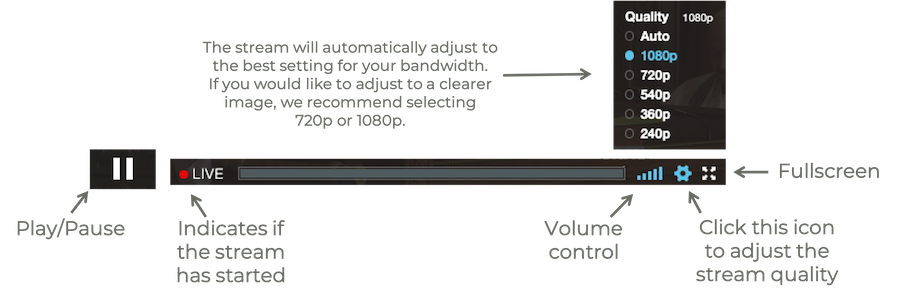
Fast internet connections are ideal for viewing, such as cable, fiber, and FiOS. Live streaming will not work with dial-up, and if you have a slow internet speed, you may experience stuttering or screen freezing.
If your screen freezes during viewing, please try reloading your browser. Also try clearing your history and shutting down other programs and web pages.
Google Chrome and Firefox work well with our Live Stream, while Safari can be less dependable. If you are unable to view Live Stream at all, please try a different browser.
If you cannot hear the Live Stream, make sure you click “Tap to Unmute” at the top of the player.
Sound is largely a function of the quality of your audio equipment. External speakers will greatly enhance the sound.
If you are having trouble dialing in to services (audio only): • Dial (929) 205-6099 on your phone. • It will then ask for the meeting or webinar ID—Enter meeting/webinar ID (947 9181 4318) followed by #. • It will then ask for participant ID, but you can skip that and wait for it to ask for the meeting passcode. When it does, enter the meeting passcode (676 263) followed by #. • Once you’ve entered that, you should be dialed in and able to hear services.